

一、Redis集群一键扩容
无论数据是否持久化,操作步骤基本上是查不多的
1.1 方式一
1.修改配置文件
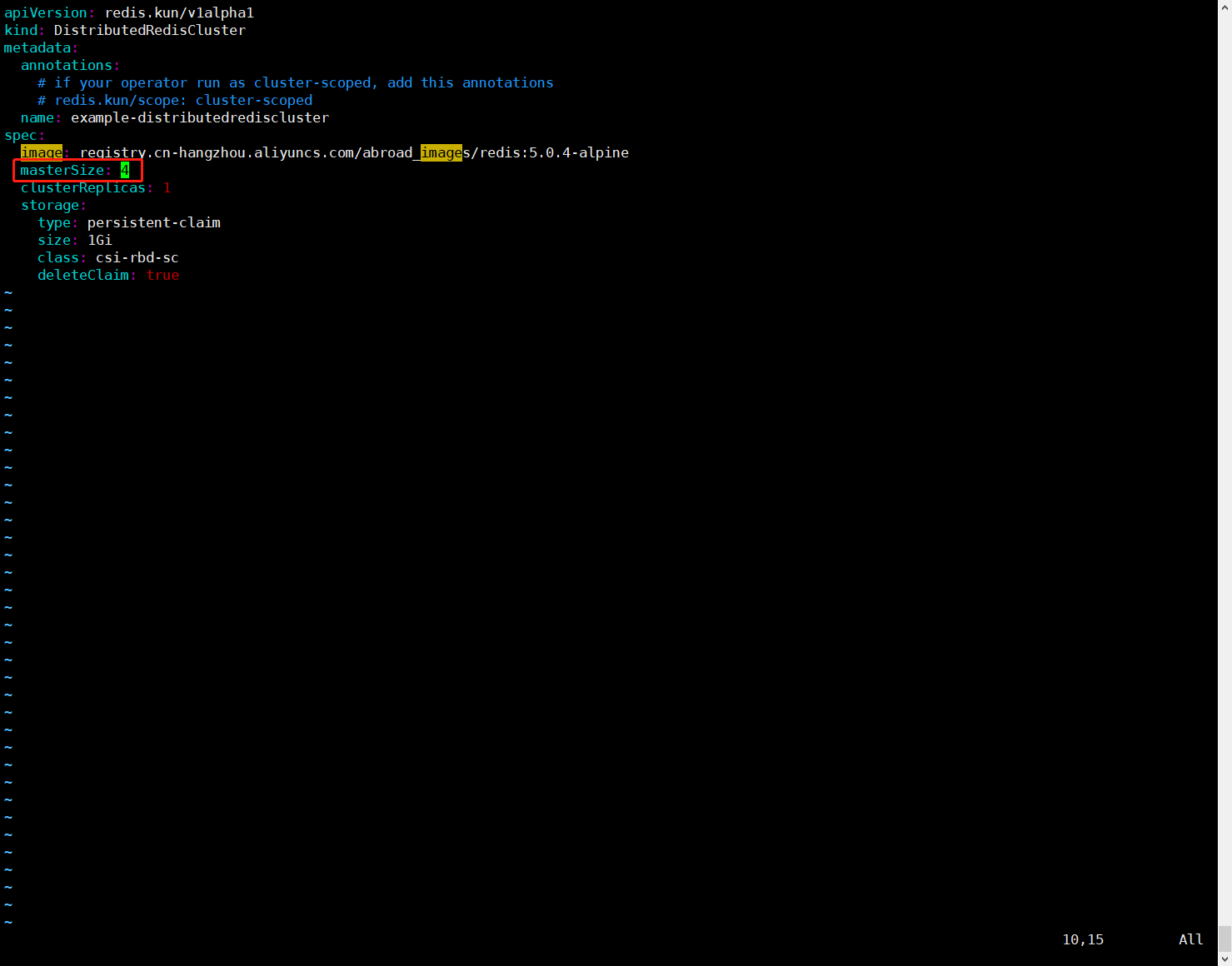
如果是数据持久化,需要修改persistent.yaml,将masterSize数修改为4
$ cd /root/operator-redis/deploy/example
$ vim persistent.yaml
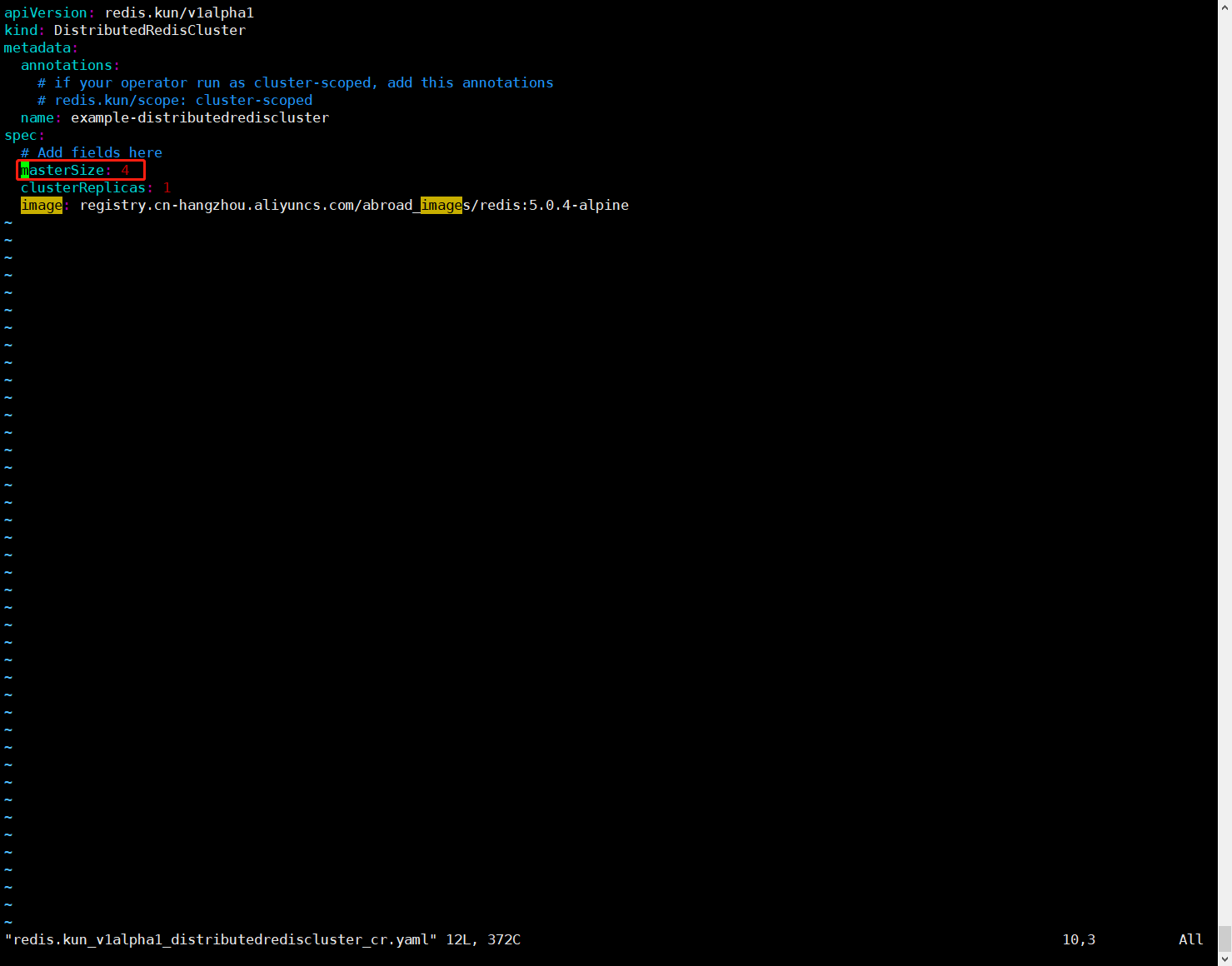
如果是数据非持久化,需要修改persistent.yaml,将masterSize数修改为4
$ cd /root/operator-redis/deploy/example
$ vim redis.kun_v1alpha1_distributedrediscluster_cr.yaml
2.重新更新配置文件
如果是数据持久化,执行以下命令
$ cd /root/operator-redis/deploy/example
$ kubectl apply -f persistent.yaml
如果是数据非持久化,执行以下命令
$ cd /root/operator-redis/deploy/example
$ kubectl apply -f redis.kun_v1alpha1_distributedrediscluster_cr.yaml
1.2 方式二
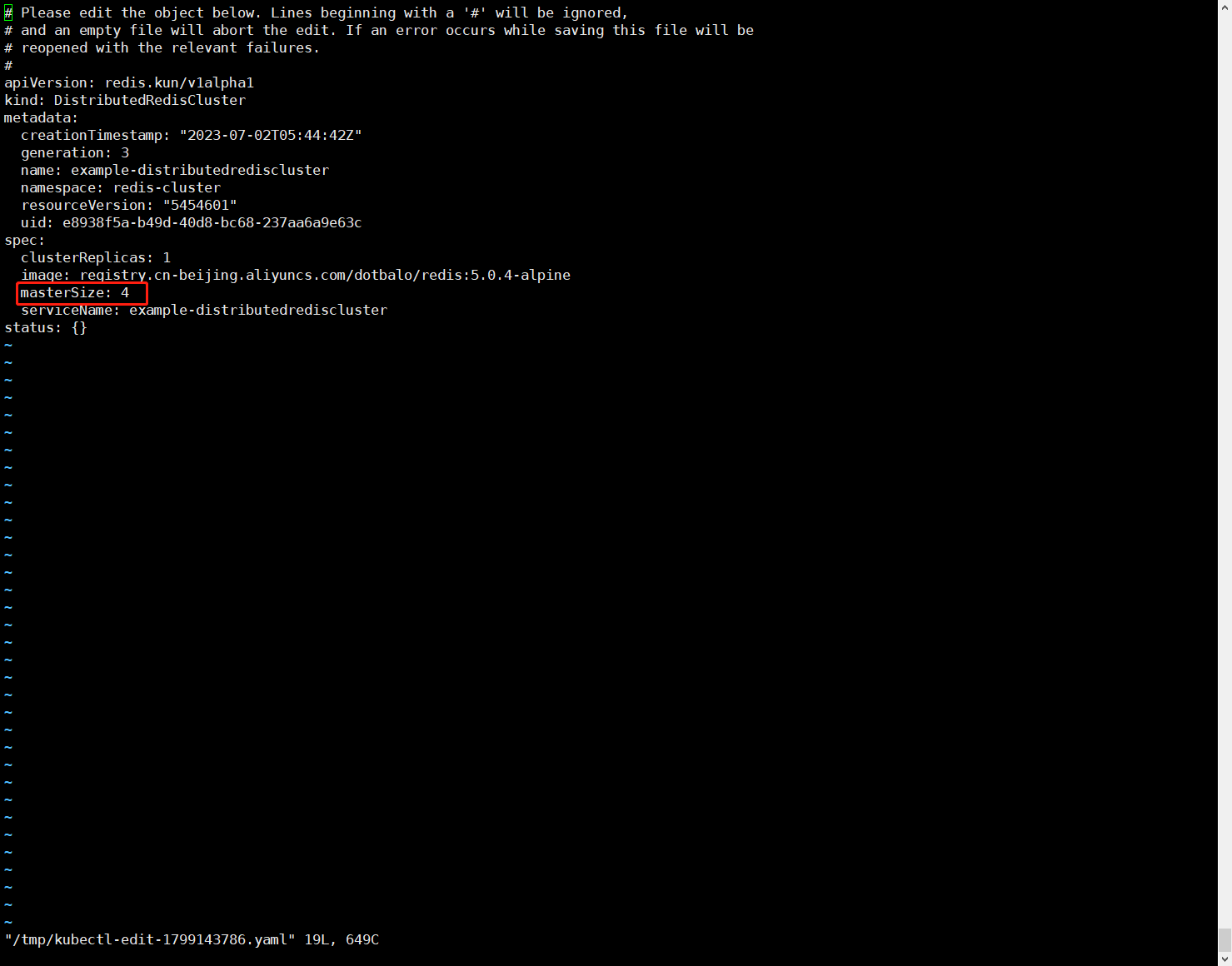
方式二就是edit进行在线编辑
[root@k8s-master01 example]# kubectl edit distributedrediscluster example-distributedrediscluster -n redis-cluster
再次查看Pod,会发现创建了两个新的Pod
[root@k8s-master01 example]# kubectl get po -n redis-cluster
NAME                                      READY   STATUS    RESTARTS        AGE
drc-example-distributedrediscluster-0-0   1/1     Running   0               4h16m
drc-example-distributedrediscluster-0-1   1/1     Running   0               4h12m
drc-example-distributedrediscluster-1-0   1/1     Running   0               4h16m
drc-example-distributedrediscluster-1-1   1/1     Running   0               4h15m
drc-example-distributedrediscluster-2-0   1/1     Running   0               4h16m
drc-example-distributedrediscluster-2-1   1/1     Running   0               4h15m
drc-example-distributedrediscluster-3-0   1/1     Running   0               14m
drc-example-distributedrediscluster-3-1   1/1     Running   0               13m
redis-cluster-operator-6684799bb6-75b9l   1/1     Running   3 (4h19m ago)   4h20m
再次查看集群状态
[root@k8s-master01 example]# kubectl get distributedrediscluster -n redis-cluster
NAME                              MASTERSIZE   STATUS   AGE
example-distributedrediscluster   4                     4h22m
二、Redis集群删除
删除配置
$ cd /root/operator-redis/deploy/example
$ kubectl delete -f redis.kun_v1alpha1_distributedrediscluster_cr.yaml -n redis-cluster
$ cd /root/operator-redis/deploy/namespace
$ kubectl delete -f operator.yaml -n redis-cluster
$ kubectl delete -f role.yaml -n redis-cluster
$ kubectl delete -f role_binding.yaml -n redis-cluster
$ cd /root/operator-redis/deploy
$ kubectl delete -f service_account.yaml -n redis-cluster
$ cd /root/operator-redis/deploy/crds
$ kubectl delete -f ./
说明:上面是删除非持久化数据,如果删除持久化数据需要修改redis.kun_v1alpha1_distributedrediscluster_cr.yaml为persistent.yaml
删除命名空间
$ kubectl delete ns redis-cluster